
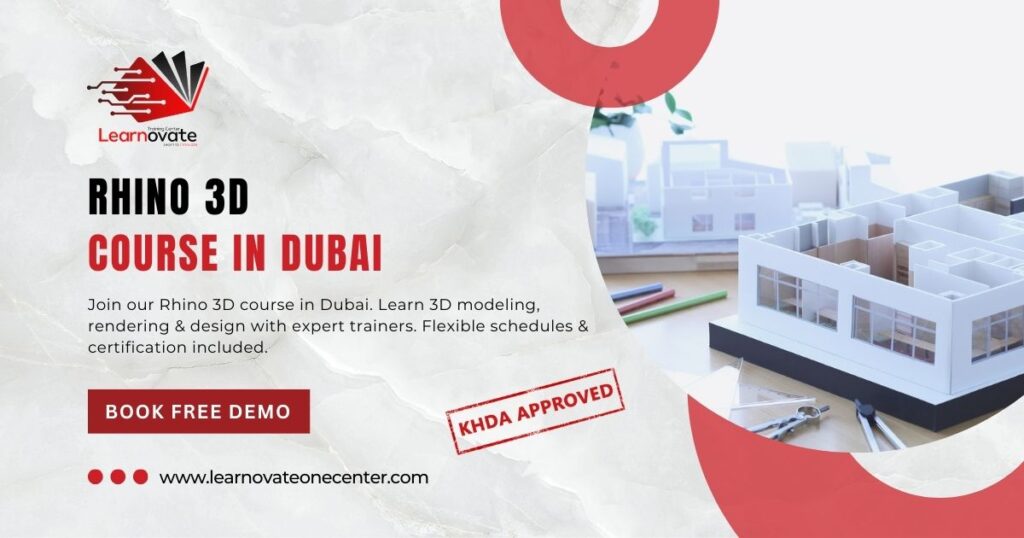
Master Rhino 3D with expert-led training in Dubai. Gain hands-on experience in 3D modeling, rendering, and design techniques used in architecture, product design, and jewelry making.








Looking to take your design skills to the next level? Our Rhino 3D Course in Dubai is the perfect choice for aspiring designers, architects, and engineers who want to master one of the most powerful 3D modeling tools in the industry. Rhino, also known as Rhinoceros 3D, is widely used in architecture, product design, jewelry design, automotive engineering, and industrial design because of its precision and flexibility.
Whether you are new to 3D modeling or already have some experience, this Rhino course is designed to help you gain hands-on expertise through practical projects, real-world case studies, and step-by-step learning guided by industry experts.
By enrolling in our Rhino 3D training in Dubai, you’ll unlock a wide range of benefits:
Industry-Recognized Skills – Gain in-demand skills used by architects, engineers, and product designers worldwide.
Hands-On Practice – Work on real-world projects with guided exercises to strengthen your learning.
Boost Career Opportunities – Mastering Rhino gives you a competitive edge in industries like architecture, jewelry design, 3D printing, animation, and furniture design.
Expert Trainers – Learn directly from certified professionals with years of industry and teaching experience.
Flexible Learning Options – Choose between weekday, weekend, or fast-track sessions to fit your schedule.
This Rhino course in Dubai is ideal for anyone passionate about design and innovation, including:
Architects and interior designers who want to create precise 3D models and realistic visualizations.
Engineers and industrial designers looking to design prototypes, automotive parts, and mechanical components.
Jewelry designers who want to bring unique, complex designs to life with accuracy.
Graphic and 3D artists interested in product visualization and rendering.
Students and beginners aspiring to build a strong foundation in 3D modeling.
No prior experience is required — our Rhino 3D training starts from the basics and gradually moves to advanced techniques.
By the end of this Rhino 3D course, you’ll walk away with practical skills that you can immediately apply in your profession:
Master Rhino interface and tools to navigate the environment with ease and confidence.
Gain proficiency in 3D modeling to create complex models for architecture, product design, and jewelry.
Learn advanced surface and solid modeling techniques to design organic shapes and detailed objects.
Understand rendering and visualization to produce high-quality outputs for client presentations and portfolios.
Explore file export and compatibility for 3D printing, AutoCAD, Revit, and other software.
Build a professional portfolio showcasing your completed 3D projects.
Rhino 3D (Rhinoceros 3D) is a powerful software used for 3D modeling, CAD design, and rendering. It’s popular in industries like architecture, jewelry design, product design, and engineering because of its accuracy and flexibility. Learning Rhino 3D opens doors to high-demand design careers and freelancing opportunities.
No prior experience is required. This Rhino course in Dubai is designed for both beginners and professionals. We start from the basics and gradually move to advanced modeling, rendering, and visualization techniques.
After completing the Rhino 3D training, you can pursue roles as a 3D modeler, CAD designer, jewelry designer, architectural visualizer, product designer, or industrial designer. Rhino skills are highly valued in construction, manufacturing, and creative industries.
Yes. In addition to classroom training, we also provide online Rhino 3D training for students who prefer learning remotely. The online version includes live instructor-led sessions, recorded lectures, and practical assignments to ensure the same quality learning experience.
Yes. Upon successfully completing the course, you will receive an industry-recognized certificate that validates your skills in Rhino 3D modeling and design, boosting your portfolio and career prospects.